Getting Started
Icon packs are an easy way to share icons, represented as static and animated images, for Stream Deck keys and dials. Packaged as .streamDeckIconPack files, icon packs can be distributed as standalone files, or through Marketplace, and once installed into Stream Deck become available through Stream Deck's Icon Library.
Formats
Icons within an icon pack can be static and/or animated images, and must be the following:
All images must be 144 × 144 px.
SVG, PNG, JPEG for static images.
GIF, WEBP for animated images.
Have a filename length of ≤80 characters.
use a frame rate of 10–20 fps for animated icons.
keep animated icons ≤5 seconds.
Stream Deck with automatically scale your images where necessary, and you do not need to provide different sized images for different Stream Deck devices.
Large animated icons can affect system performance. Keep both image dimensions and file size small (preferably ≤1 MB) to ensure a smooth user experience.
Testing
Pre-packaging
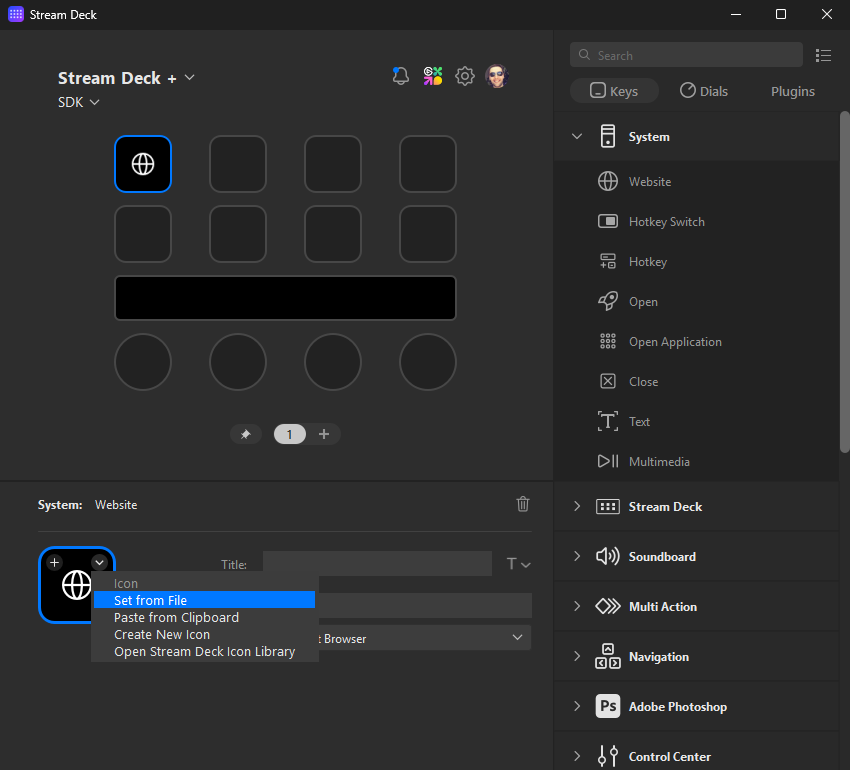
Testing an icon is as easy as assigning it to an action in Stream Deck, for example:
Open Stream Deck app.
Add any action from the action list to the Stream Deck canvas.
In the lower half of Stream Deck, select the down chevron and choose Set from file.
Select your icon.
Post-packaging
Icon packs are packaged using Icon Pack Man; with your packaged icon pack (.streamDeckIconPack), you can then install the icon pack into Stream Deck by double-clicking the file. Once installed:
Open Stream Deck app.
Add any action from the action list to the Stream Deck canvas.
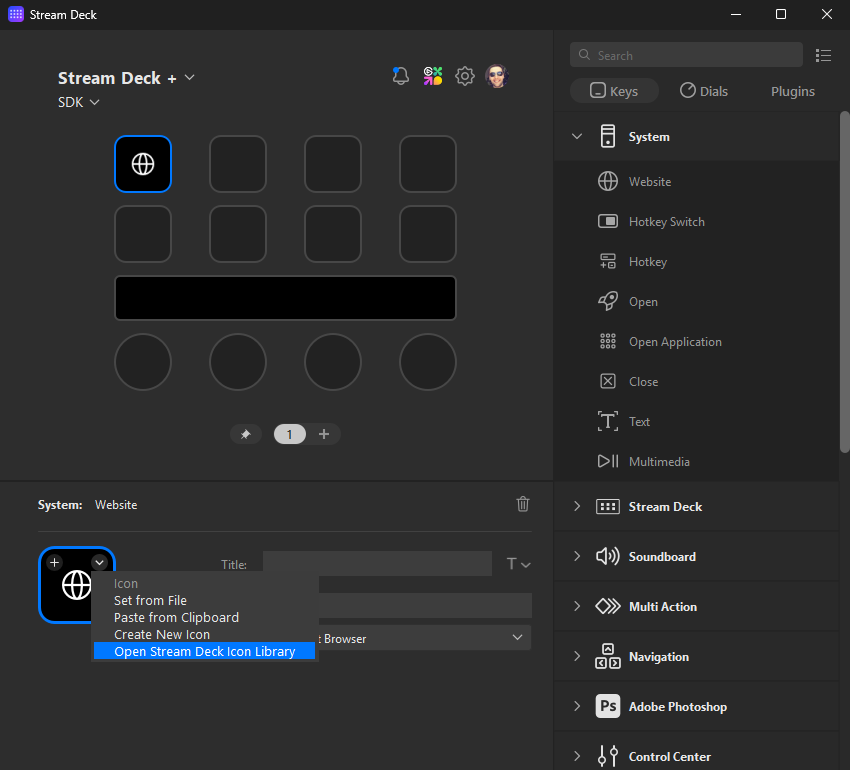
In the lower half of Stream Deck, select the down chevron and choose Open Stream Deck Icon Library.
Select your icon.
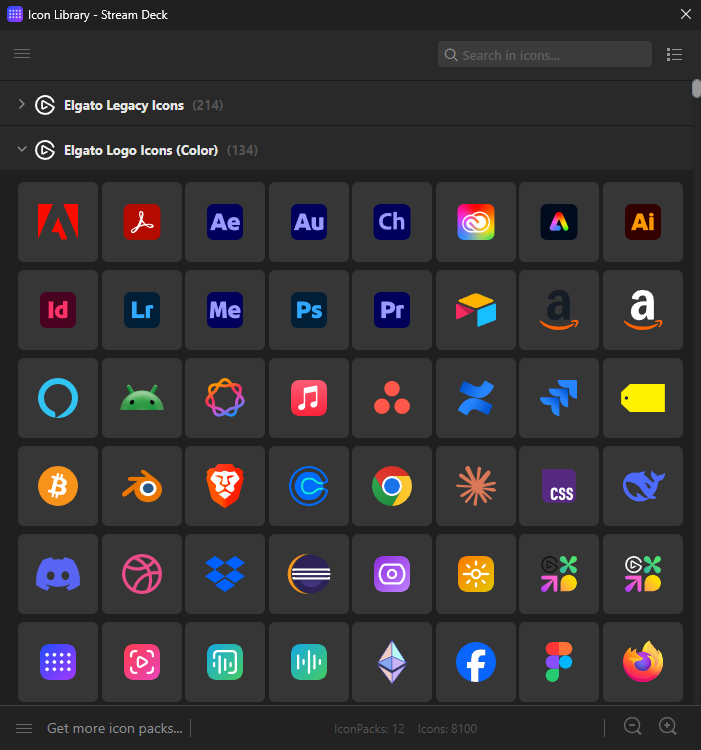
Within the icon library, you should then be able to see your icon pack amongst the others you have installed.
Publishing
Icon packs can be made available on Marketplace following their submission and review in Maker Console; below are some useful links for submitting your icon pack.
Discover Maker Console, and submit your first icon pack.